

ATM Flow
Your complete personal finance tracker. Multiple accounts, budgets, reports, and seamless sync across all your devices.
Screenshots
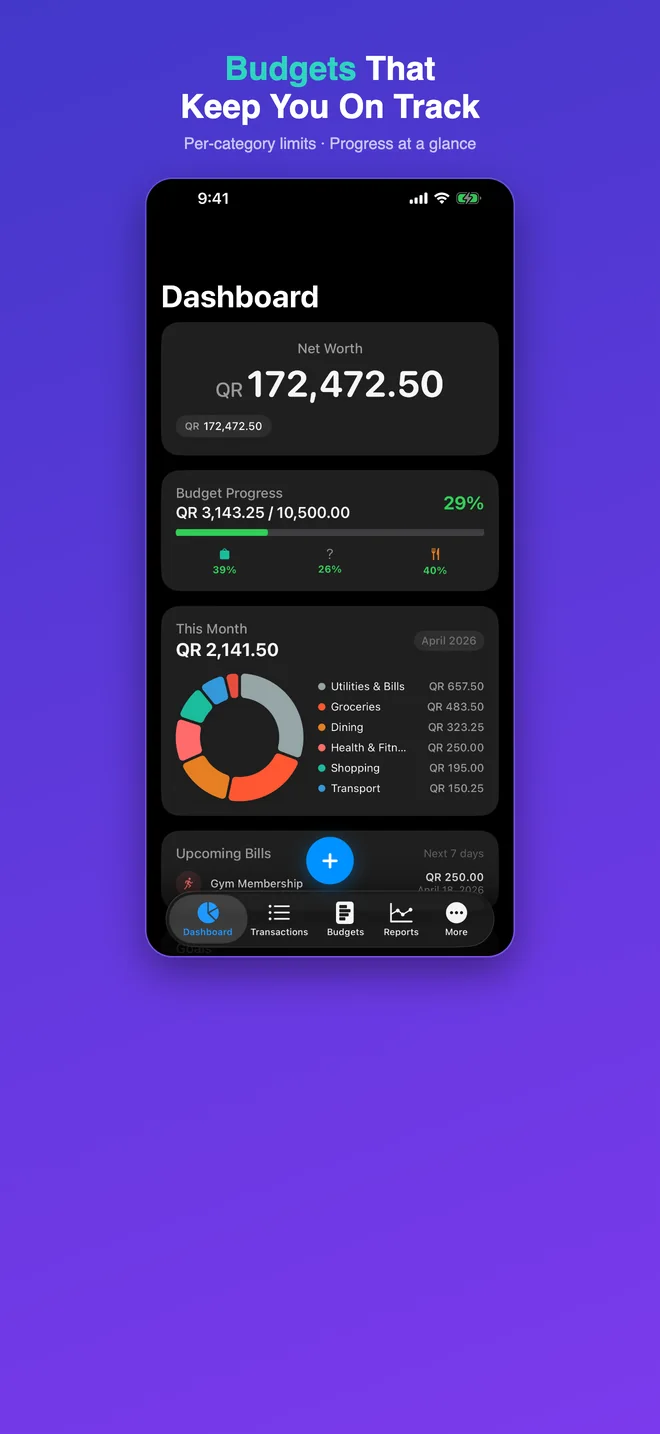
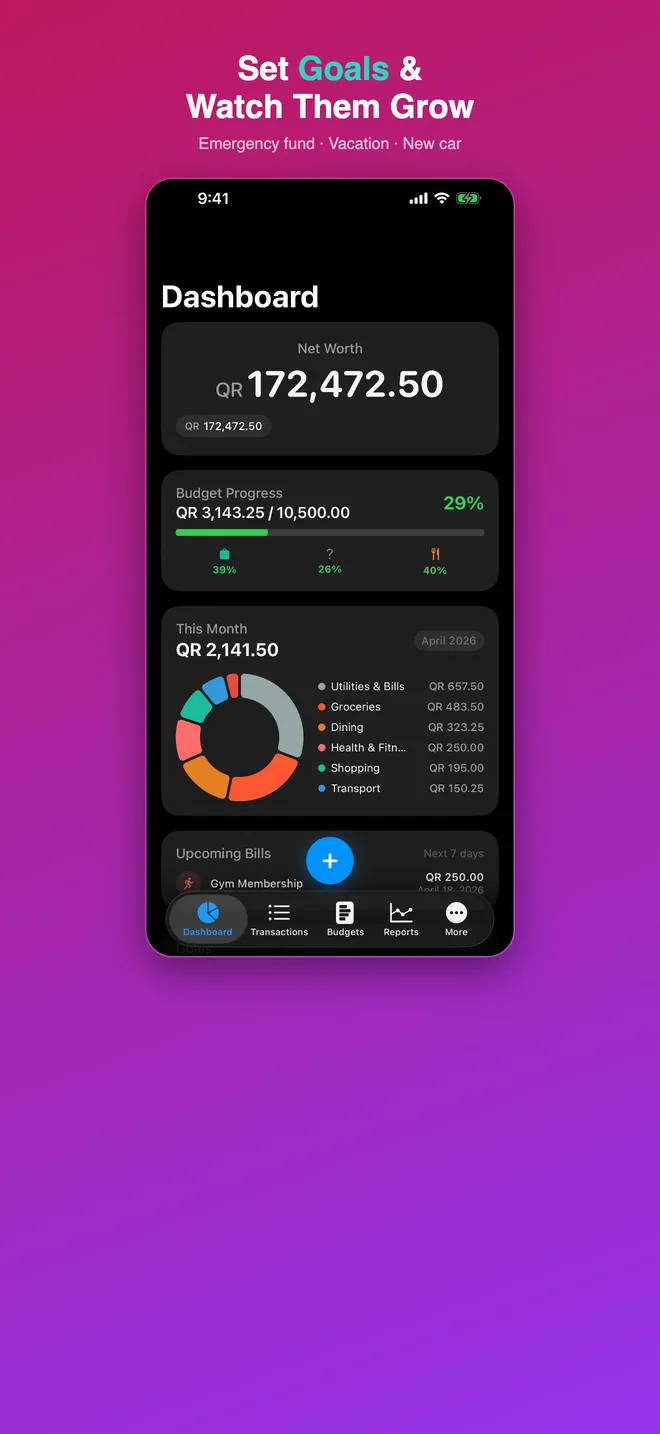
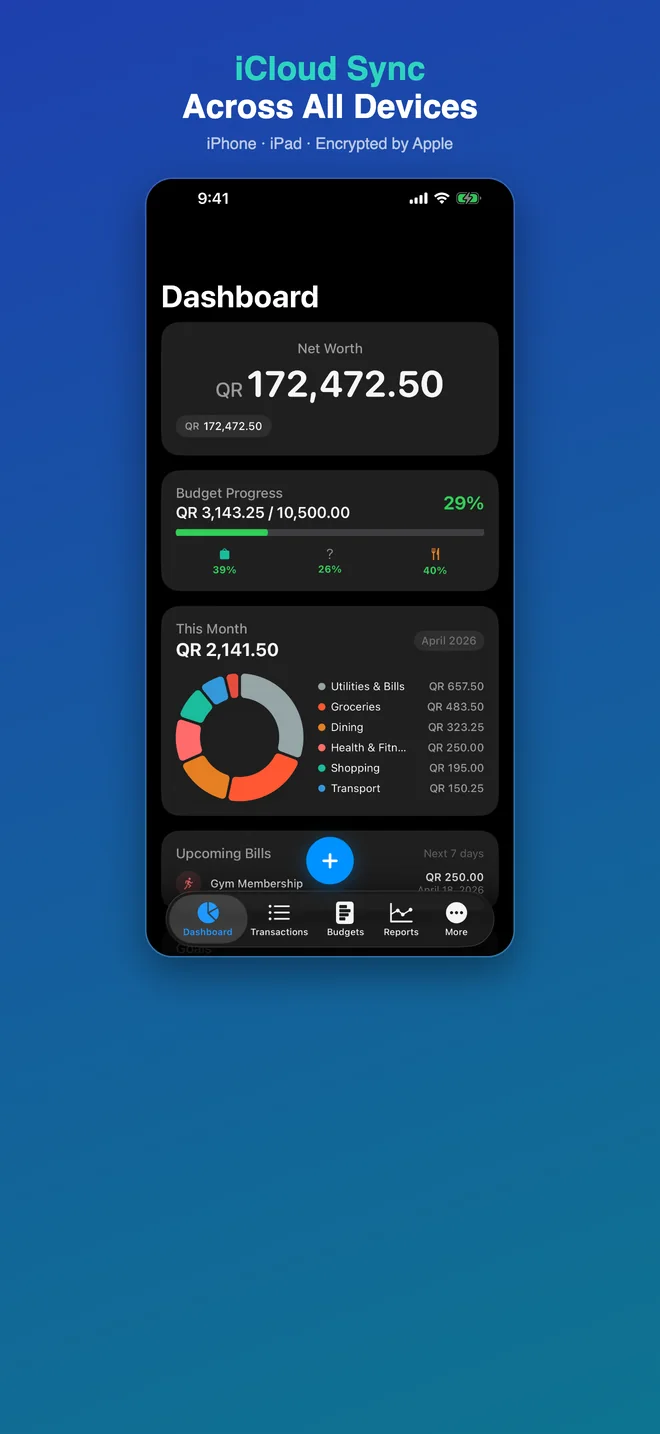
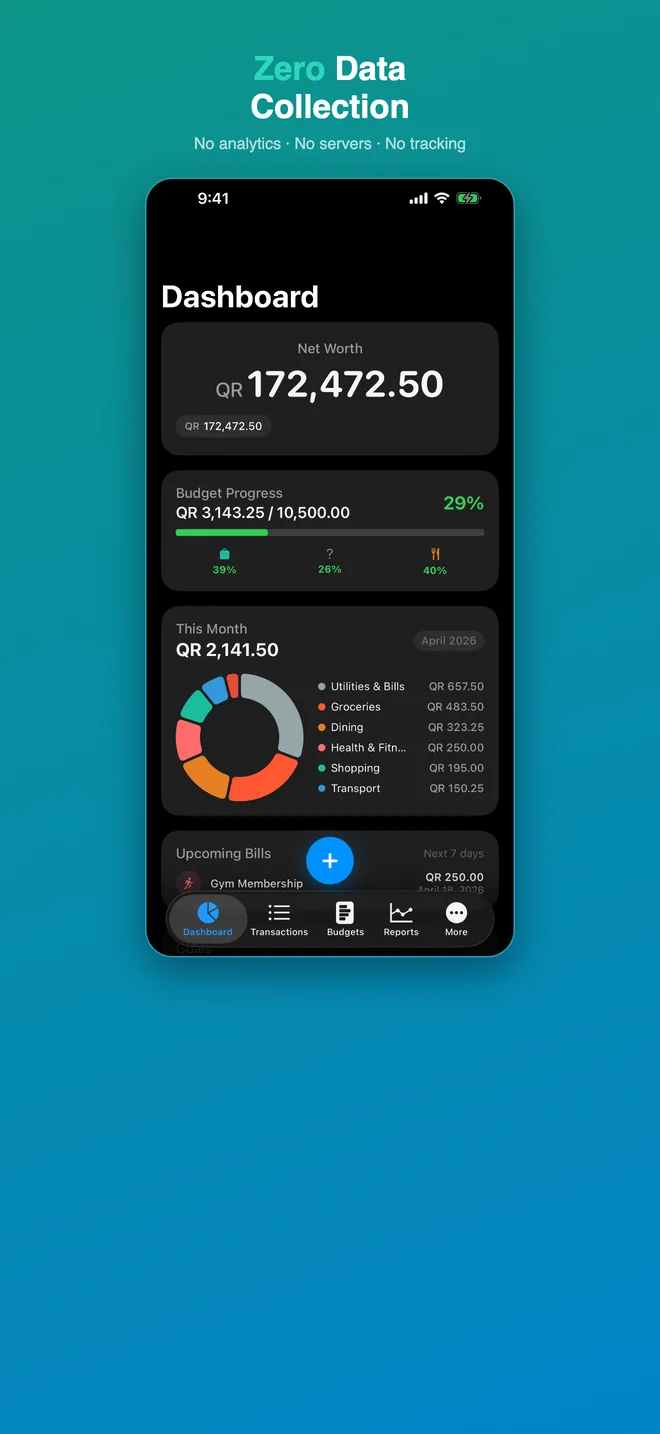
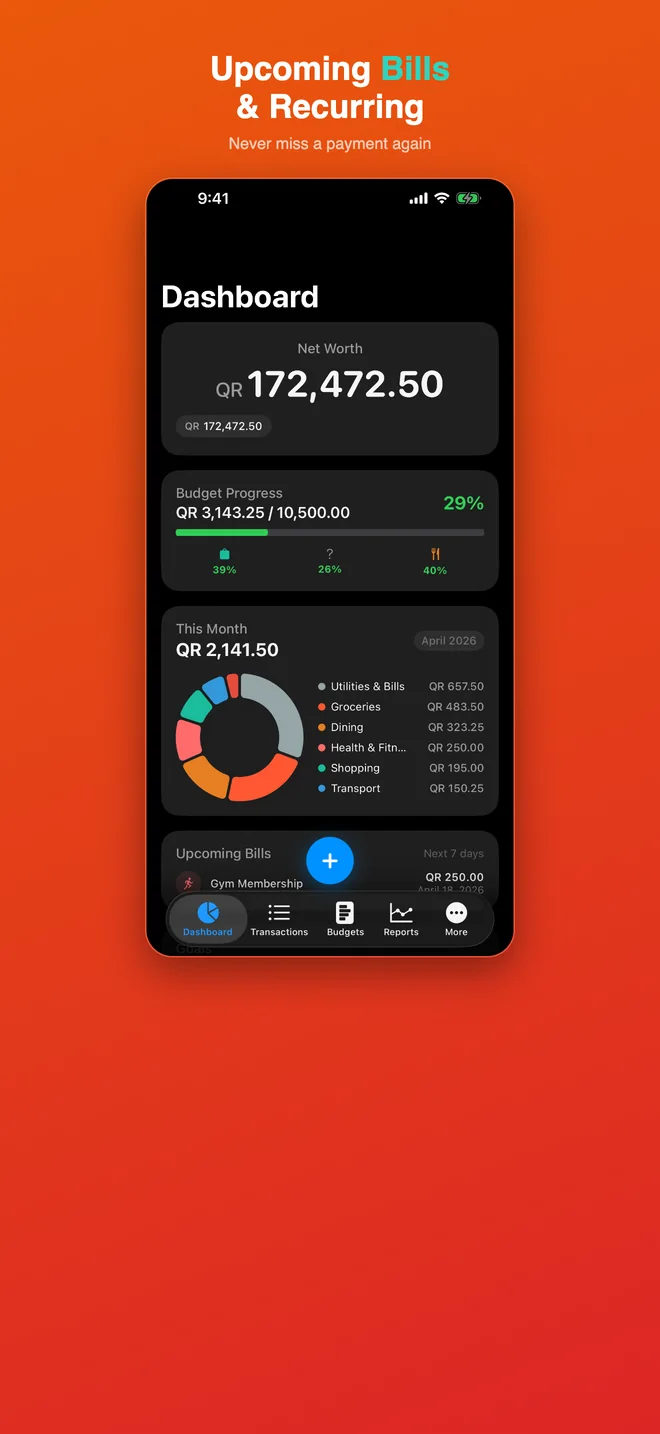
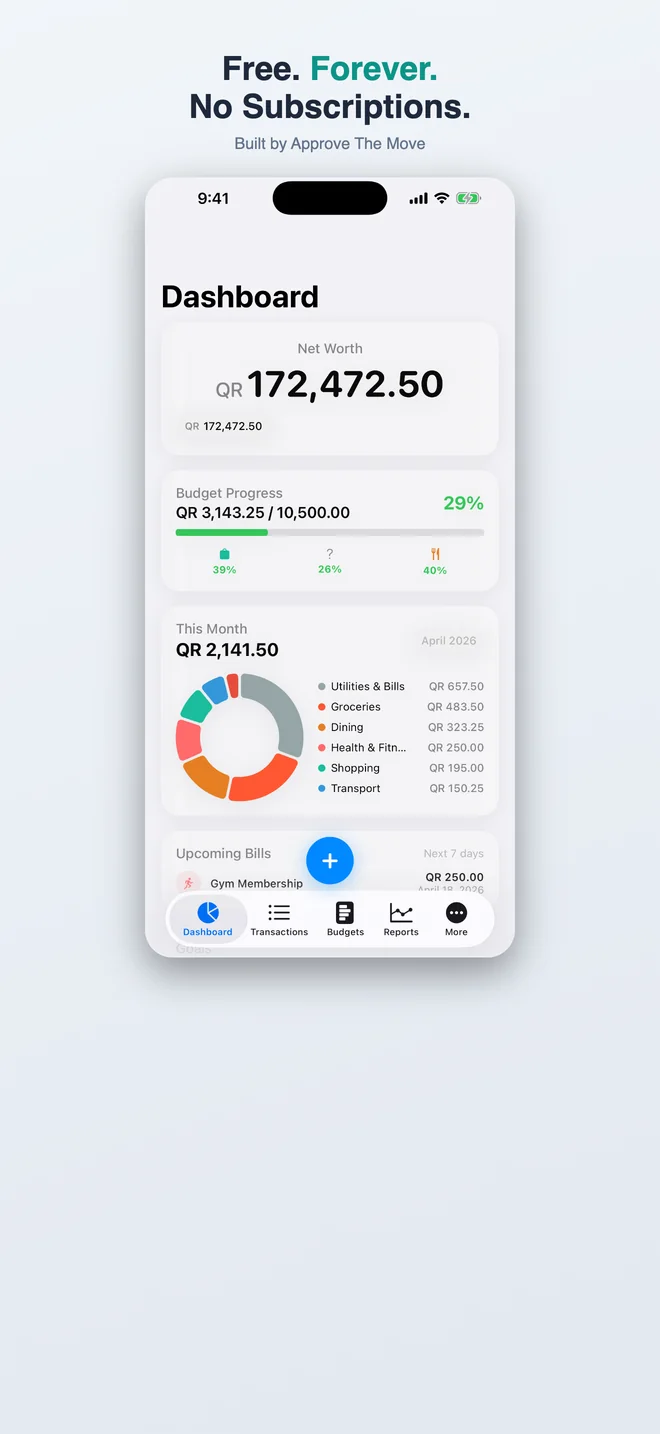
Scroll to see more →
Features
Dashboard
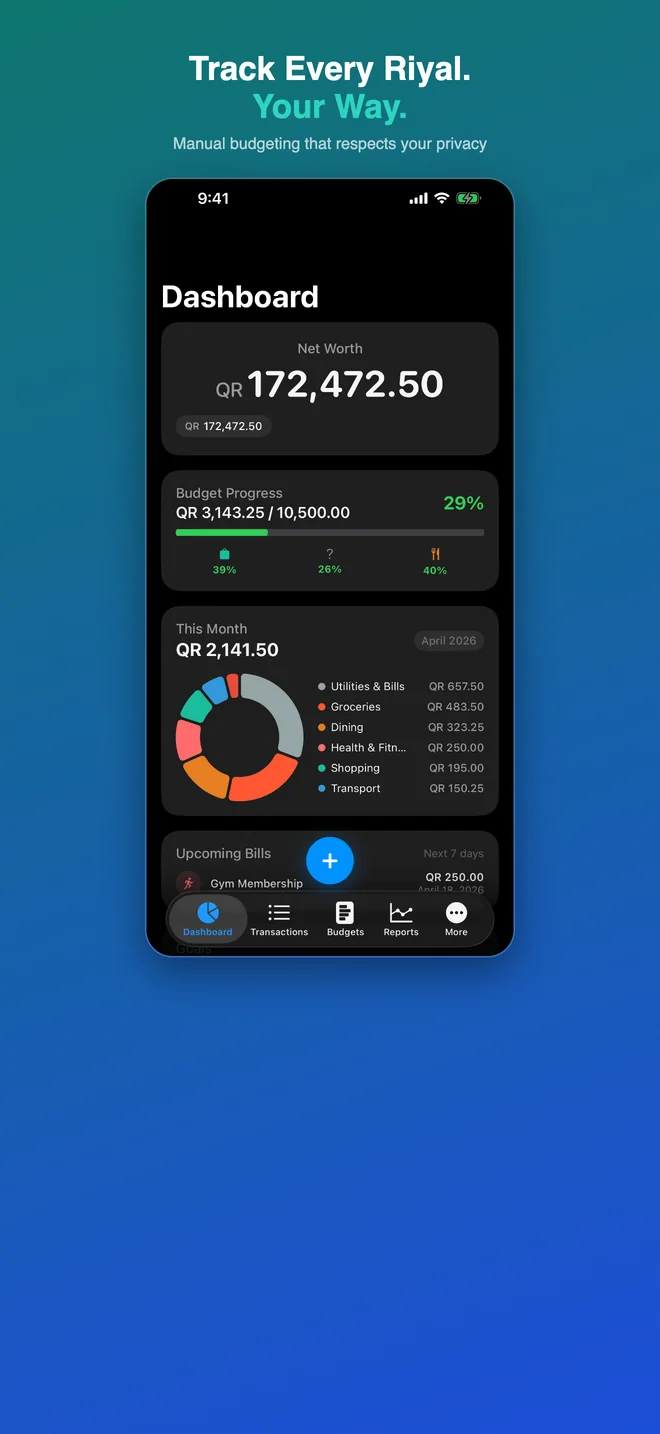
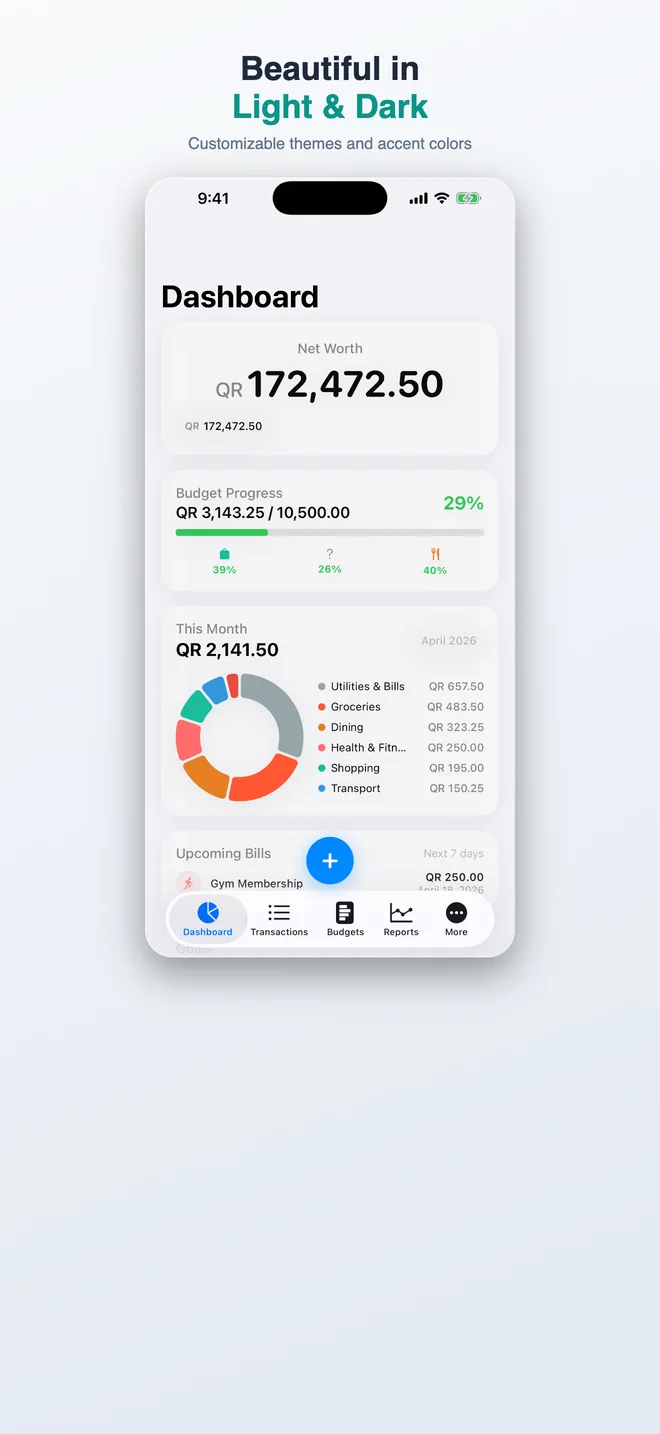
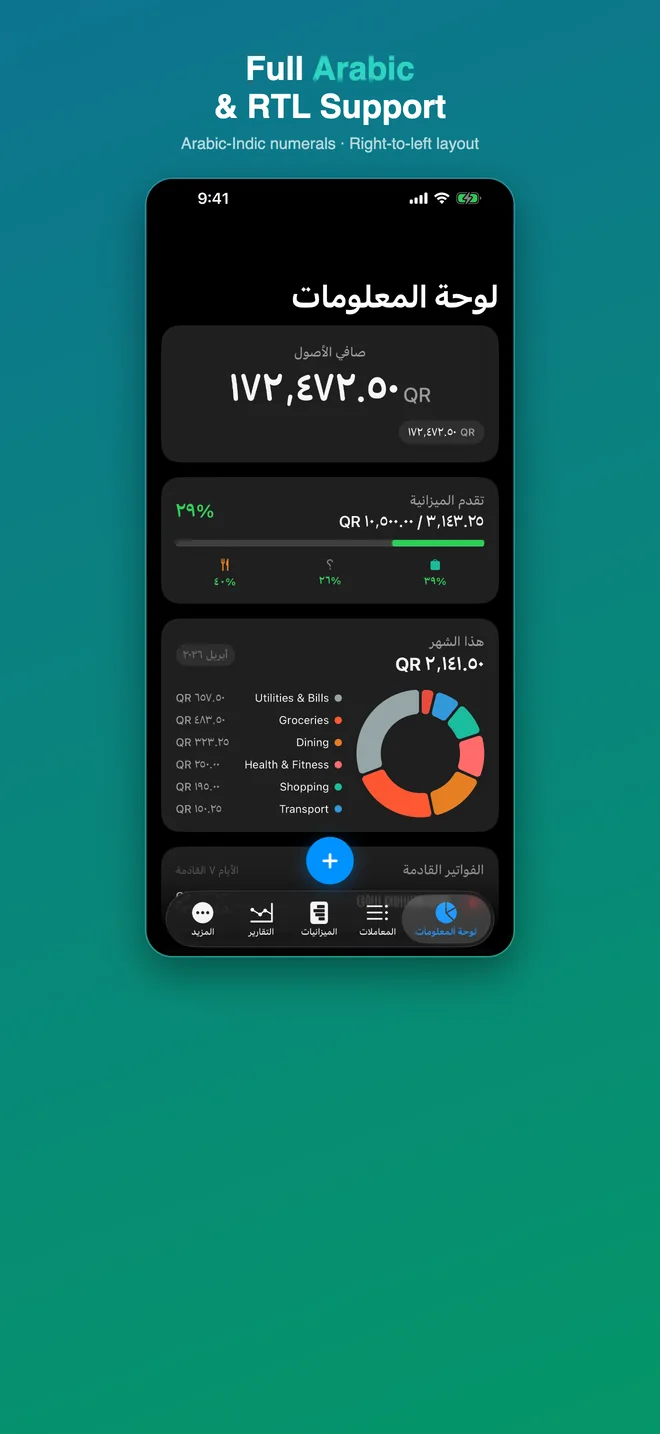
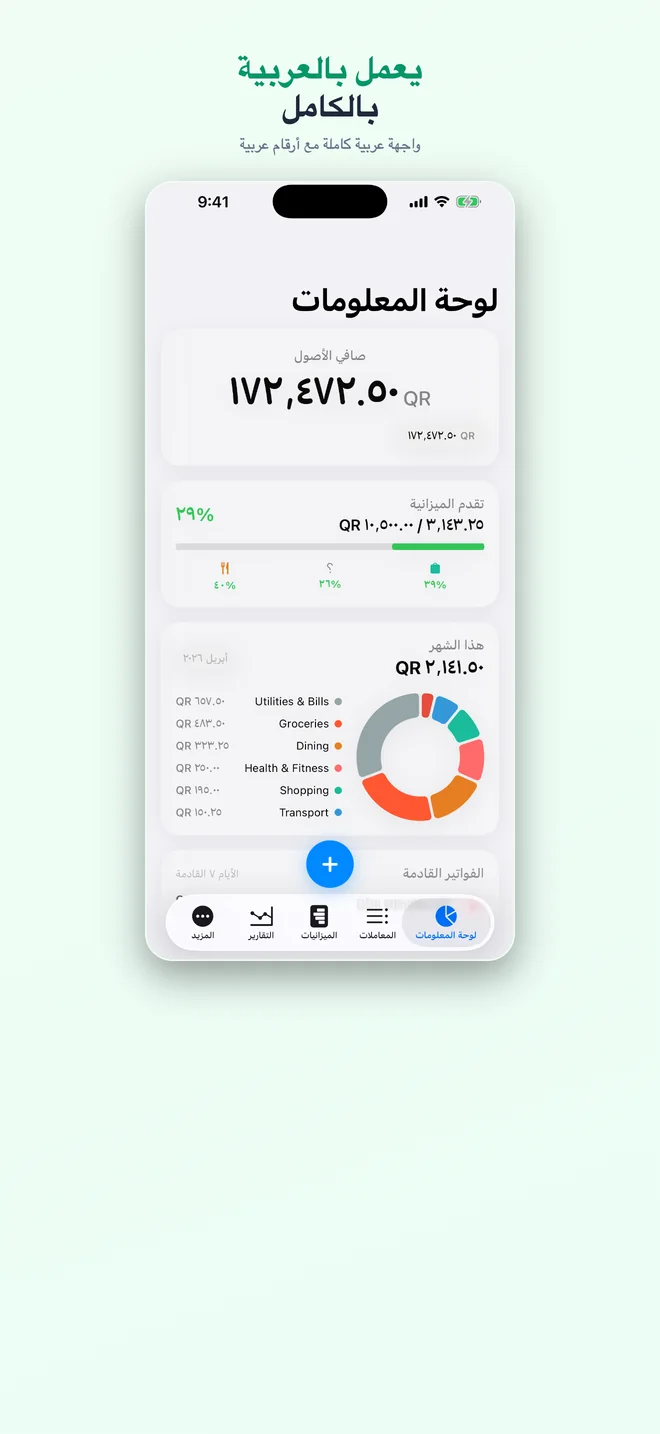
See all your accounts at a glance with visual summaries and financial health indicators.
Transaction Tracking
Record income and expenses with categories, tags, notes, and photos. Filter and search everything.
Budgets
Create budgets for any category and monitor your spending against targets in real time.
Reports & Charts
Visual charts showing your spending patterns, trends, and breakdowns by category or time period.
Recurring Transactions
Set up automated entries for subscriptions, salary, rent, or any repeating income and expenses.
CloudKit Sync
All data automatically syncs across your Apple devices via your iCloud account. Works offline too.
Financial Goals
Set savings targets and track your progress toward them over time.
Statement Import
Import transactions from CSV and spreadsheet exports or bank and credit-card PDF statements — including password-protected ones — read entirely on your device.
App Lock
Protect your financial data with Face ID, Touch ID, or passcode lock.
How to Use
Create your accounts — Add your bank accounts, wallets, or payment methods and set their initial balances.
Add transactions — Tap the + button on the Dashboard to record income or expenses. Assign categories and tags.
Set budgets — Go to the Budgets tab to create spending limits for any category (groceries, dining, transport, etc.).
Review reports — The Reports tab shows charts of your spending trends so you can see where your money goes.
Set up recurring entries — For regular transactions like salary or subscriptions, set them as recurring so they're added automatically.
Sync everywhere — Your data automatically syncs to all your Apple devices via iCloud. No setup needed.
Frequently Asked Questions
Is ATM Flow really 100% free?
Yes. No ads, no subscriptions, no in-app purchases, no paywalls. Download it, use every feature, keep it forever. This isn't a trial — it's the whole app.
Will my financial data be shared or uploaded anywhere?
No. All your accounts, transactions, and budgets live on your device and sync privately through your own iCloud account via CloudKit. I can't see your data — only you can.
Does it sync across my iPhone, iPad, and Mac?
Yes. ATM Flow uses CloudKit to sync across every Apple device signed into your iCloud account. Changes on your iPhone appear on your iPad within seconds.
Can I import transactions from my bank?
Yes. Import a CSV or spreadsheet export, or a PDF statement from your bank or credit card — even a password-protected one. Everything is read on your device; nothing is uploaded. You can also set up recurring transactions for salary, subscriptions, or rent so you don't have to re-enter them.
What happens if I delete the app?
Local data on the device is removed. Your accounts, transactions, budgets, and goals stay safe in your own iCloud until you manage it through your device's iCloud settings, so reinstalling brings those records back. One exception: receipt photos are stored only on the device and aren't synced, so they won't carry over to a reinstall or a new device.
Privacy
ATM Flow stores all data on your device and in your personal iCloud account. No data is sent to external servers. No analytics. No tracking.